Your closet keeps track, so you don't have to.
Wearly hangers notice what you actually wear: no photos to take, nothing to log. The app plans your week, and your closet lights up to show what to wear and what you've forgotten.
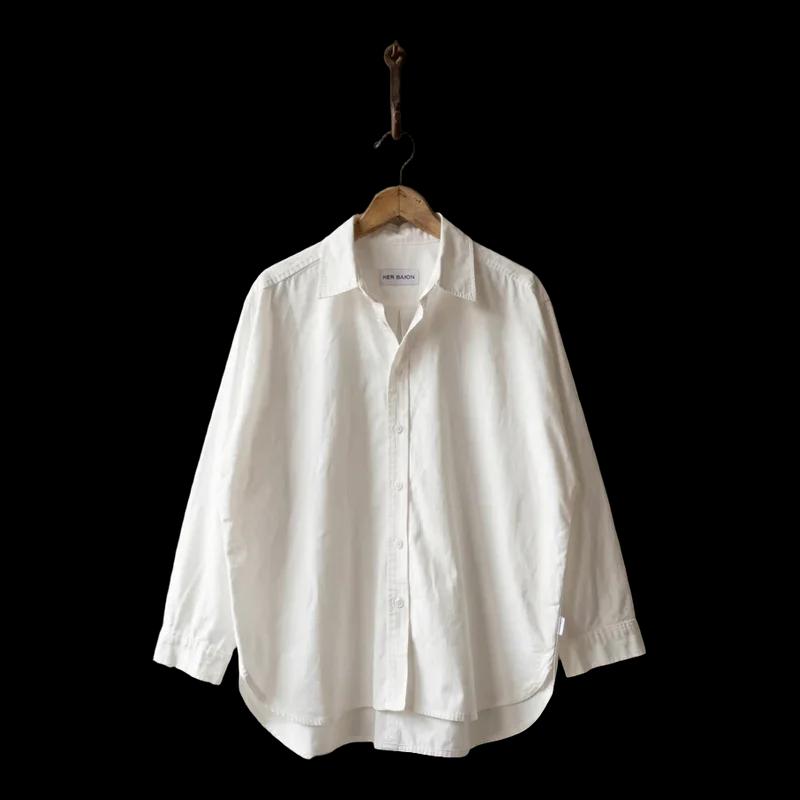
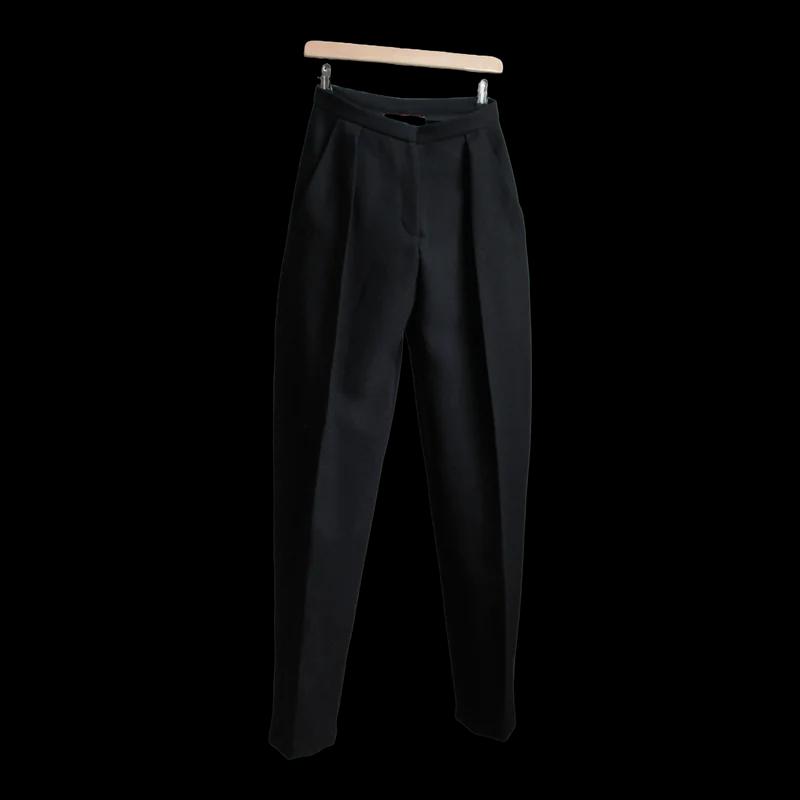
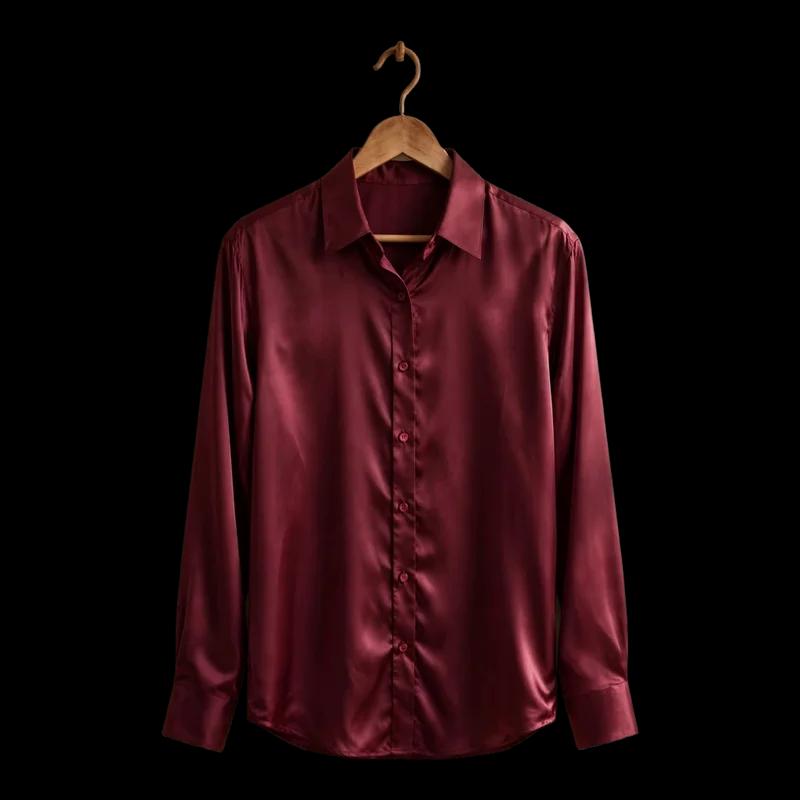
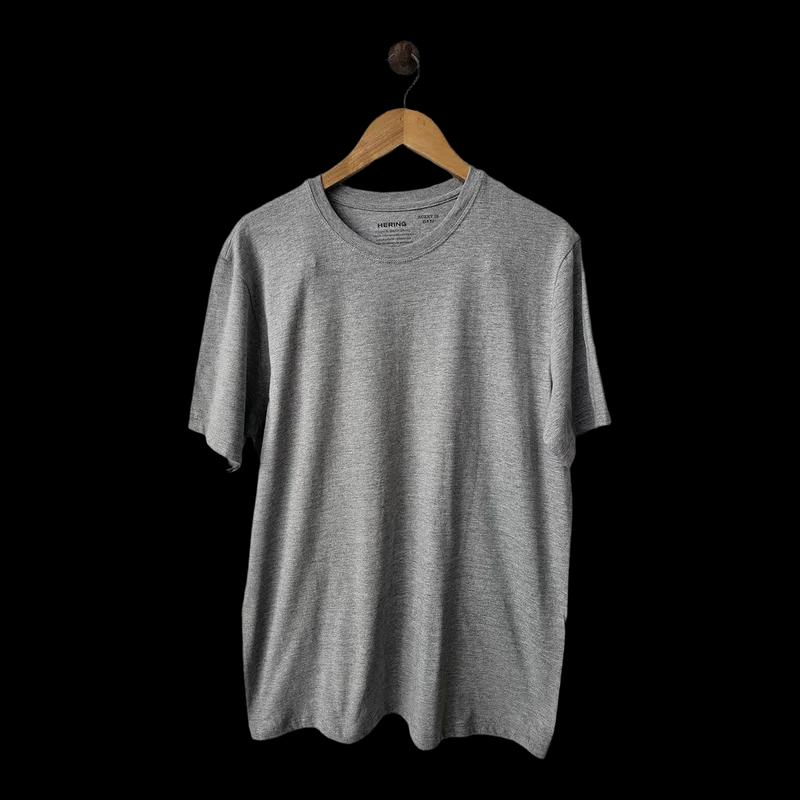
No cataloging. Just hang your clothes.
Most wardrobe apps start by asking you to photograph everything. Wearly starts working the moment a shirt goes on its hanger.
- 1
Hang your everyday clothes
Put the hangers in the part of your closet you use most. Each one has a number, so tracking starts on day one. Photos are optional.
- 2
Get dressed like always
Each hanger feels when a garment leaves and comes back. A few minutes away means you were browsing; hours away means you wore it.
- 3
Your closet talks back
Today's outfit glows blue when you open the door. Pieces that have waited a long time breathe yellow, so you can rediscover them, or let them go.
Three small lights. A dark closet by default.
Each light has its own motion, so it never depends on color alone. No red, no green: nothing that says your clothes are “bad”.
- Blue · steadyIn today's planned outfit
- Yellow · breathingWaiting a while, or marked to let go
- White · two blinksFound it: the hanger you asked for
- OffNormal. The closet stays dark
Wear what you own. Let go of what you don't.
Walk through a demo closet with 24 hangers and three months of history.
Open the demo